How to Use AI to Create a Resume
How to Use AI to Create a Resume That Gets You Hired (ATS Friendly)
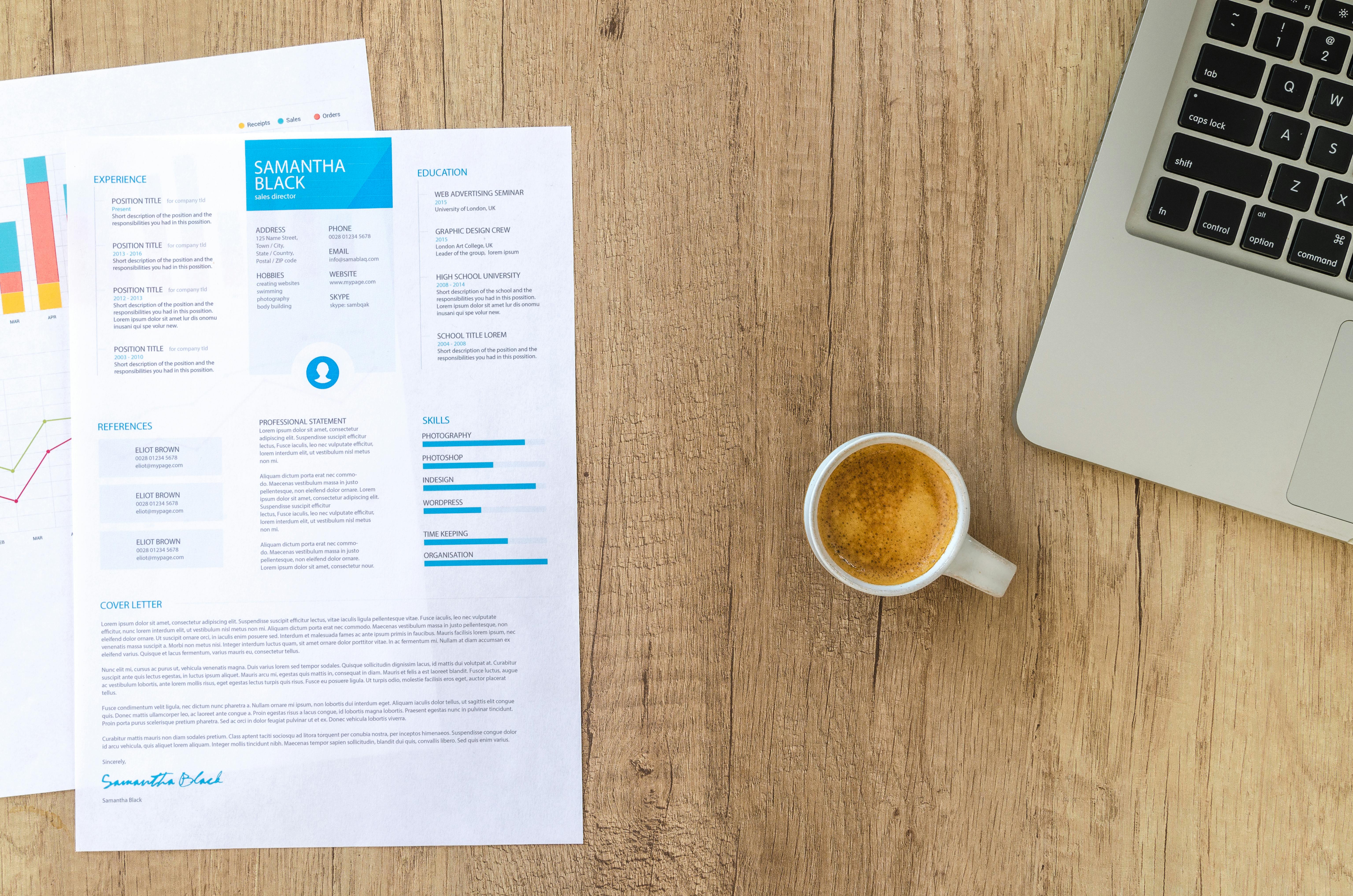
Job hunting is tough, but AI can give you an unfair advantage. Recruiters use Applicant Tracking Systems (ATS) to filter resumes. If yours isn't optimized, it gets deleted. Here is how to use AI to create a resume that beats the bots and lands interviews.

Step 1: Extract Keywords with ChatGPT
Paste the Job Description (JD) into ChatGPT and ask: "Extract the top 10 most important keywords and skills from this job description." This tells you exactly what the recruiter is looking for.
Step 2: Optimize Your Bullet Points
Take your boring resume points (e.g., "Managed a team") and ask AI to rewrite them using action verbs and metrics.
Result: "Spearheaded a cross-functional team of 10, increasing productivity by 20%."
Step 3: Use AI Resume Builders
Tools like Teal or Resume.io use AI to format your resume perfectly. They ensure your layout is clean and readable by ATS software.
Step 4: The Cover Letter
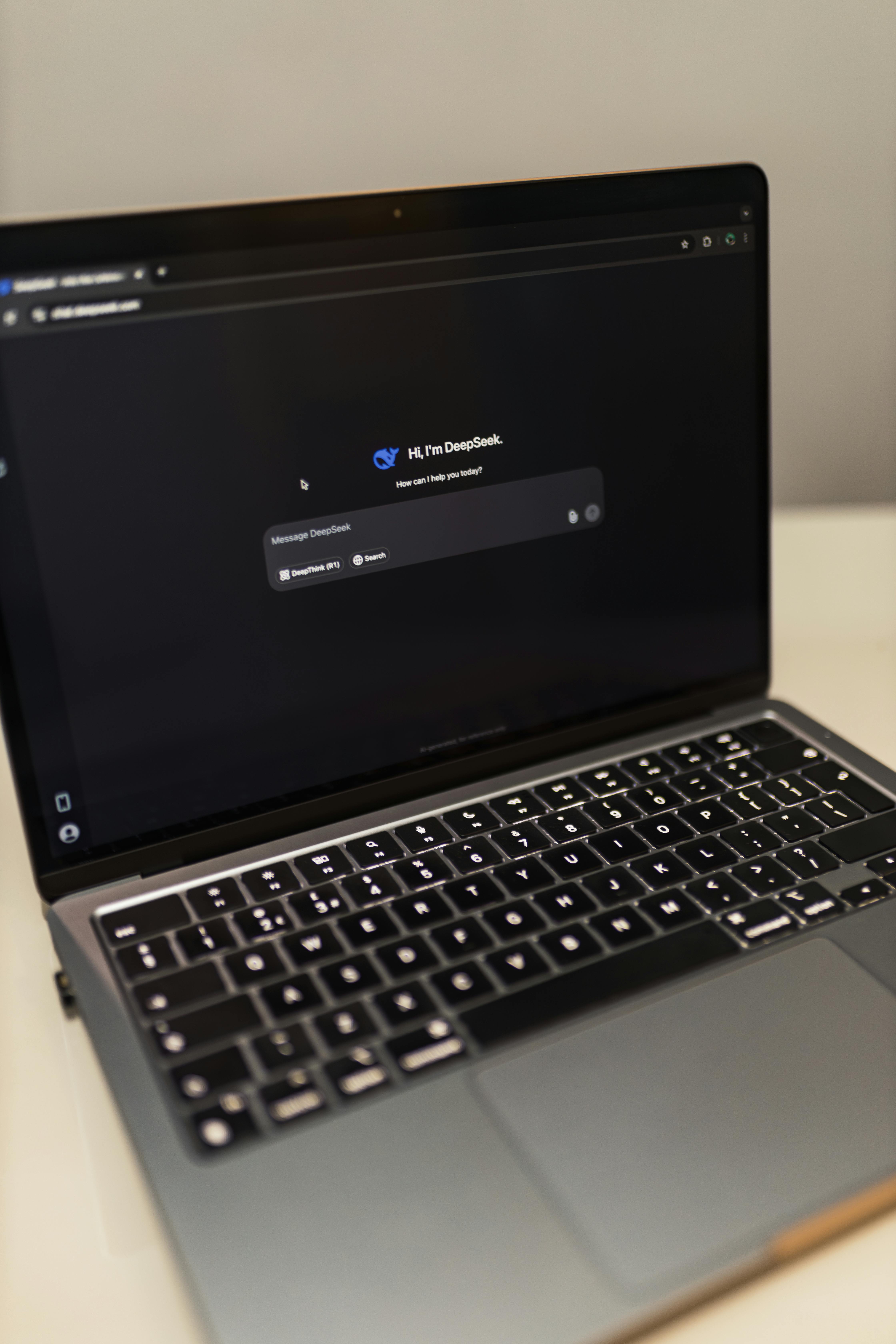
Never write a generic cover letter again. Paste your resume and the JD into an AI tool and ask for a "persuasive, professional cover letter linking my experience to their requirements."
Conclusion
Your resume is your ticket to a high-paying job. By using AI resume tools, you save time and significantly increase your chances of getting that callback.
posted by RYAN CLARKE @ February 14, 2026
0 Comments


0 Comments:
Post a Comment
Subscribe to Post Comments [Atom]
<< Home